Checkout and extensions
Shopify Checkout Countdown Timer
Countdown and cart-reservation timers inside Shopify checkout, built as supported UI extensions that survive every checkout step and mean what they say.
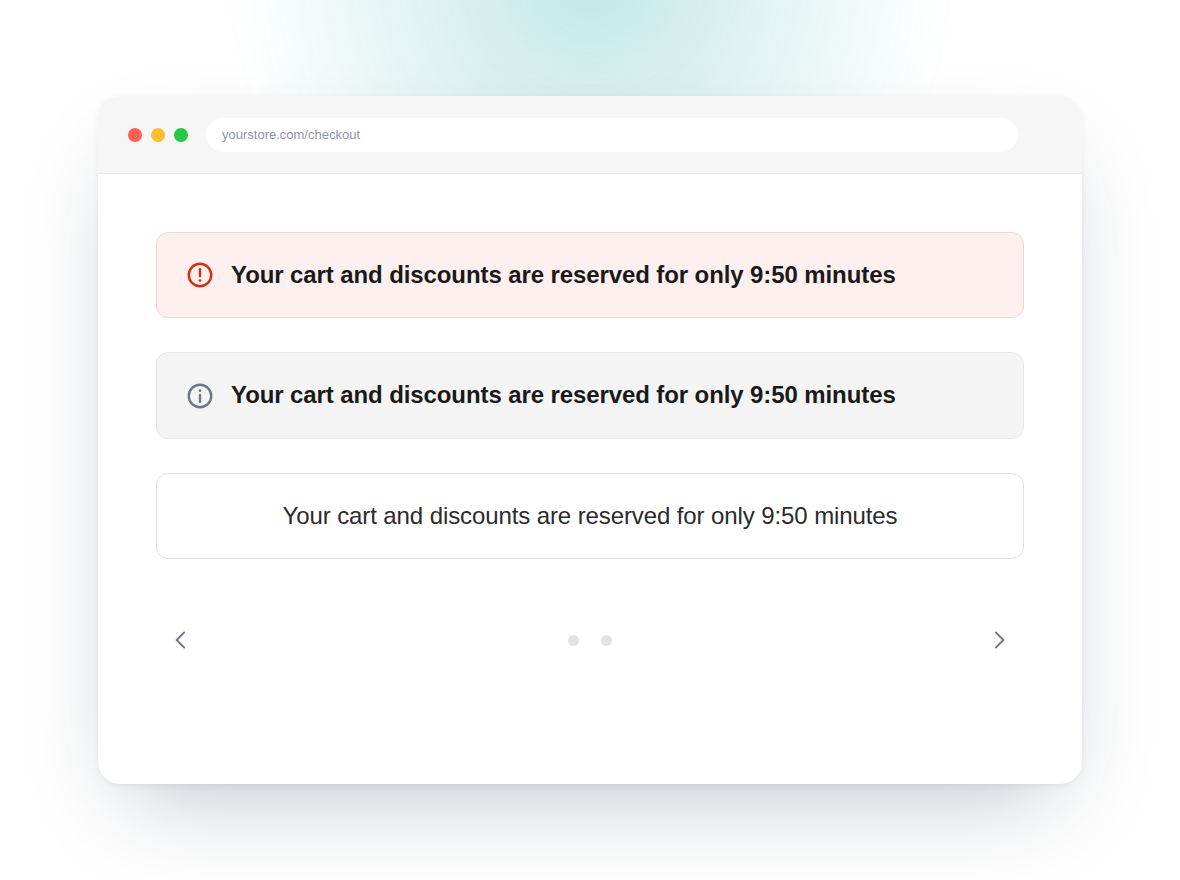
Most “checkout timers” on Shopify are not in the checkout at all. They sit on the cart page, or they reset the moment the buyer moves from shipping to payment. We build the real thing: a countdown inside checkout itself, as a supported checkout UI extension, anchored to a stored deadline so it keeps ticking through every step and survives a refresh.
Before we build, we settle one question — display timer, or real reservation? A display timer creates urgency around something true: a sale ending, a delivery cut-off. A cart reservation timer says the stock is being held, and Shopify does not hold stock just because something is sitting in a cart. If you want “reserved for you” to be true, we build the hold behind it. If you would rather not carry that, we word it honestly, which converts nearly as well and without the angry emails.
A timer on the checkout steps themselves is a Shopify Plus feature. On other plans we put one on the cart, the cart drawer or the thank-you page instead — and we will tell you which applies on the first call rather than after an invoice.
What we build
Checkout timer extension
A countdown block placed in the order summary, above the pay button or on the thank-you page, built as a checkout UI extension.
A deadline that survives the steps
The countdown is anchored to a stored timestamp, so it keeps ticking through information, shipping and payment instead of restarting.
Real reservation, if you want one
Optional stock-hold logic behind the timer, so "reserved for you" is a promise your store actually keeps.
Expiring offers with Functions
A Shopify Function that drops the discount, the free shipping or the gift when the clock runs out, so the timer has real consequences.
Merchant controls
Duration, copy, colours and which carts see it, all editable by your team in checkout settings — no deploy, no ticket.
Accessible and localised
Screen-reader-safe announcements, reduced-motion support, and translated strings in every language your checkout sells in.
Blocks we ship
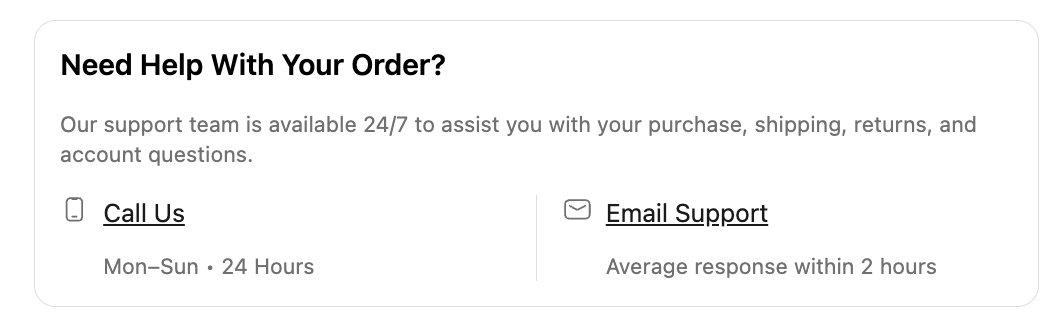
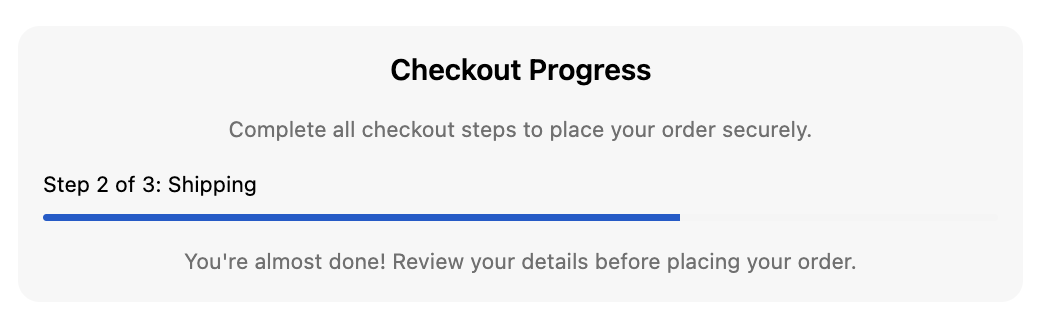
Drop-in checkout blocks, live on real stores — no code, no compliance headaches.
Questions, answered
Can you add a countdown timer to the Shopify checkout?
Yes, through a checkout UI extension. It is the supported way to put custom content inside checkout now that checkout.liquid is retired. Anything that promises to inject a timer into checkout via your theme or a script is either working on the cart page instead, or is about to break.
Do I need Shopify Plus for a checkout timer?
For a timer on the information, shipping or payment steps, yes — Shopify limits those extension targets to Plus. On other plans we can still put a timer on the cart, the cart drawer, and the thank-you and order status pages.
Does a checkout timer actually reserve my inventory?
Not by itself. Shopify does not hold stock just because something is sitting in a cart; its own reservation happens late in the flow, around payment. A timer that says "reserved for you" is a claim about your store, not a description of Shopify. If you want that claim to be true we build the hold behind it.
Will the timer reset when the buyer moves between checkout steps?
Not if it is built properly. Extensions re-render as the buyer moves through checkout, and Shopify's Storage API is session-scoped and explicitly not guaranteed, so we anchor the countdown to a stored deadline rather than a client-side counter. A refresh or a step change picks up where it left off.
What happens when the timer hits zero?
Whatever you decide, and we test it. Common choices are expiring a discount through a Shopify Function, releasing a held unit, swapping the message for a softer one, or simply stopping. What it must never do is block or break the pay button.
Are urgency timers risky?
A timer that resets every time the page loads, or counts down to nothing, is a dark pattern — and consumer protection regulators in the US and EU have taken an interest in false urgency. We build timers that reflect something real, which is also the version buyers do not resent.
Can my team change the duration and the copy?
Yes. We expose duration, wording, colours and targeting as checkout settings, so marketing can run a ten-minute hold this week and fifteen the next without touching code.
Related services
Checkout UI Extensions
Custom checkout content, upsells and fields built as supported UI extensions on Shopify Plus.
Learn moreShopify Checkout Customization
Migrate to checkout extensibility and customize the checkout page with UI extensions, Functions and branding.
Learn moreShipping Protection at Checkout
An opt-in protection or warranty offer inside checkout, priced to your cart and paid straight into your margin.
Learn moreReady to build a store worth talking about?
Tell us where your store is today and where you want it to go. We reply within two working days with a clear next step.