Checkout and extensions
Shopify Checkout Extensibility, Migration and Customization
Shopify checkout extensibility services: we rebuild checkout.liquid and Scripts work as UI extensions, Functions and branding, then customize your checkout.
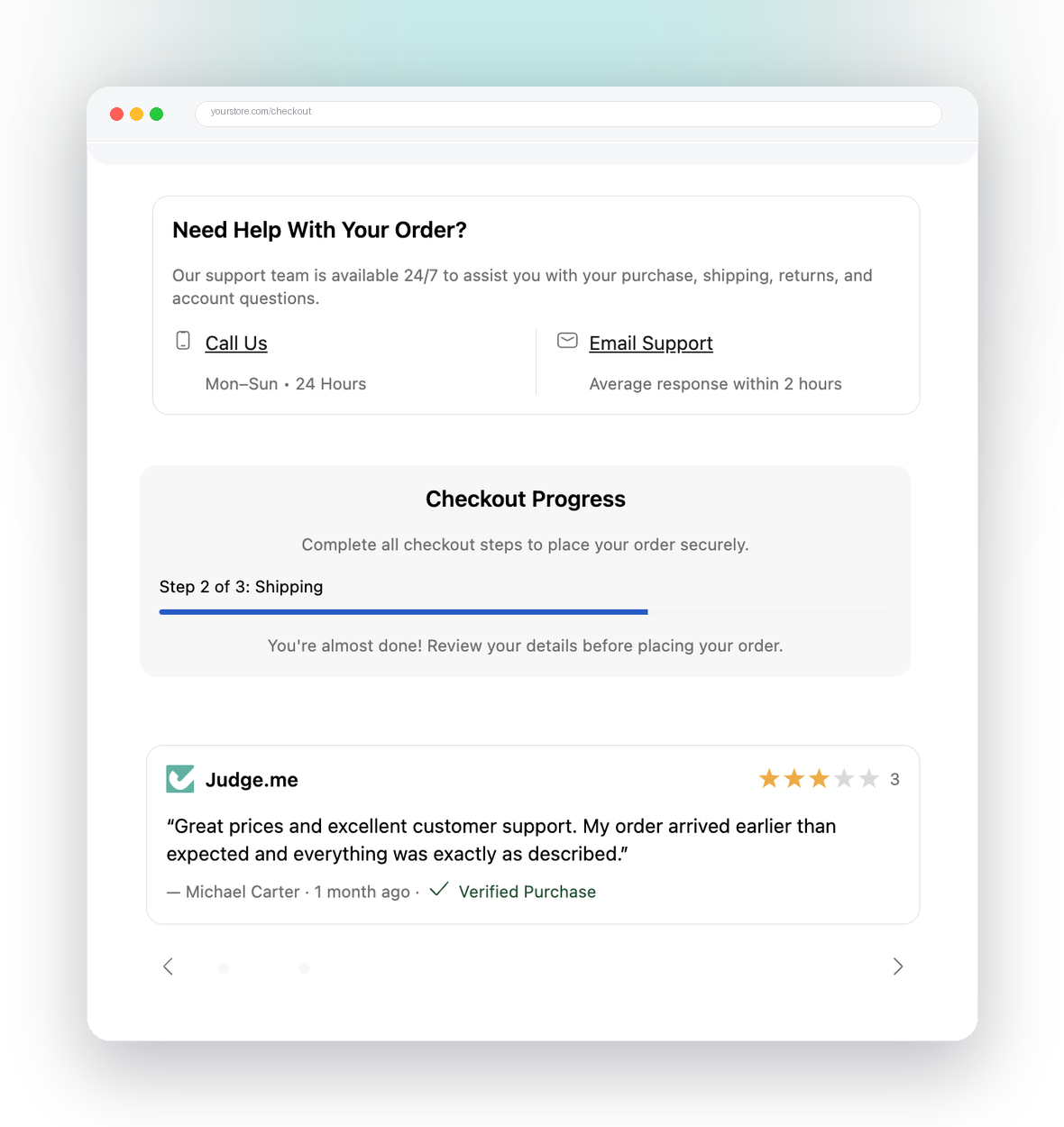
The checkout is where the money is, and it is the part of Shopify you have the least room to change. Since checkout.liquid and Shopify Scripts were switched off, the only supported way to change it is checkout extensibility. We are the team you bring in to move your checkout onto it, and then to make it earn more.
Where checkout.liquid and Scripts stand now
Every deadline has passed. If a customization was not rebuilt in time, your store fell back to the default checkout and it is gone.
| What changed | Date |
|---|---|
checkout.liquid stopped working on the information, shipping and payment steps | August 13, 2024 |
| Thank you and Order status pages upgraded on Shopify Plus, Additional Scripts made read-only | August 28, 2025 |
| Shopify Scripts can no longer be edited or published | April 15, 2026 |
| Shopify Scripts stop running on every store | June 30, 2026 |
| Thank you and Order status pages upgraded on every other plan | August 26, 2026 |
Dates are from Shopify’s developer changelog and Help Center, checked in September 2026.
So the migration is no longer about beating a deadline. It is about getting back what quietly disappeared: a delivery message, a gift note field, a hidden payment method, a tiered discount, a tracking tag. Then doing it better than the old version did.
What moves where
Almost every old customization has a clear home on the new stack:
| You used to have | It now lives in |
|---|---|
Content, banners and fields added in checkout.liquid | Checkout UI extensions |
CSS and layout changes in checkout.liquid | The checkout editor and Checkout Branding API |
| Line item Scripts (tiered pricing, BOGO, gifts) | Discount Functions, and Cart Transform for bundles |
| Shipping Scripts | Delivery Customization Functions |
| Payment Scripts | Payment Customization Functions |
| Additional Scripts and script tags on Thank you pages | Web pixels, plus UI extensions for anything visible |
| Checkout checks that blocked bad orders | Cart and Checkout Validation Functions |
The mapping is clean. The work is in the detail, which is why we treat it as a rebuild, not a copy and paste.
Scope: what a checkout extensibility project covers
Every project is scoped to your store, but most include the same parts:
- Audit. We list every customization your checkout had or still needs, from your old theme files, Script code, Additional Scripts and past orders, and mark what is still worth having.
- Plan and fixed quote. Each item gets its new home (extension, Function, branding or pixel), an order of work, and a price and timeline you sign off before we build.
- Build. Custom UI extensions, Functions and branding, built in a development store with weekly demos so you see it working before it goes near your live checkout.
- Test. Real cart scenarios, including the awkward ones: large carts, stacked discounts, international addresses, B2B customers, and every payment method you offer.
- Launch and monitor. Changes go live one at a time with a rollback path, and we watch the first live orders and your analytics closely.
Deliverables
At the end of a project you have:
- Working checkout UI extensions, Functions and branding, deployed in an app on your store, with the code handed over.
- Merchant settings for copy and thresholds, so your team can change them without a developer.
- Tracking moved to web pixels and checked against real orders.
- A written record of what your checkout now does and where each rule lives.
- Clean, documented code, so you are never locked into one agency.
How long it takes
It depends on what you need rebuilt, which is exactly what the audit answers. One checkout block is a small job. A full migration with several extensions, Functions and tracking is a bigger one. Either way you get the scope, price and timeline in writing before we start, and you see progress every week.
What you can customize on each Shopify plan
| What you want to change | Every plan (except Starter) | Shopify Plus |
|---|---|---|
| Logo, colours, fonts, layout | Checkout editor | Checkout editor, plus the Checkout Branding API for deeper styling |
| Content, upsells and custom fields | Thank you and Order status pages | Also the information, shipping and payment steps |
| Discount, payment, delivery and validation logic | Shopify Functions from public apps | Also custom apps with your own Functions |
| Tracking and analytics | Web pixels | Web pixels |
In practice, Plus is where checkout page customization gets serious, but a non-Plus store is far from stuck. We start by showing you what your plan already allows. If you are weighing the upgrade, our Shopify Plus agency page explains how we plan it.
Checkout blocks without custom code
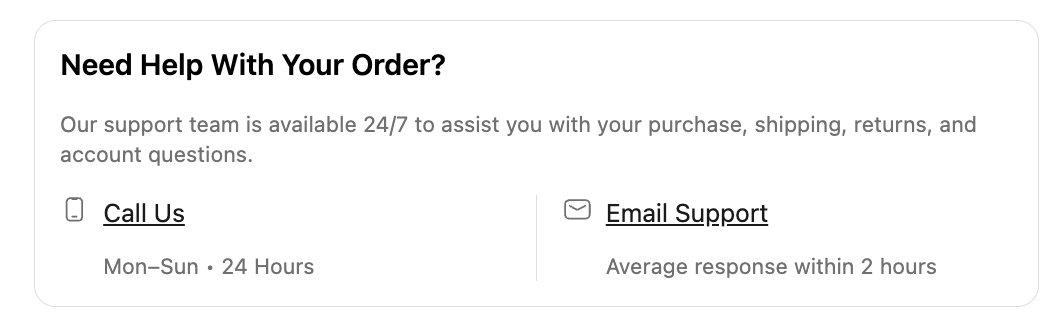
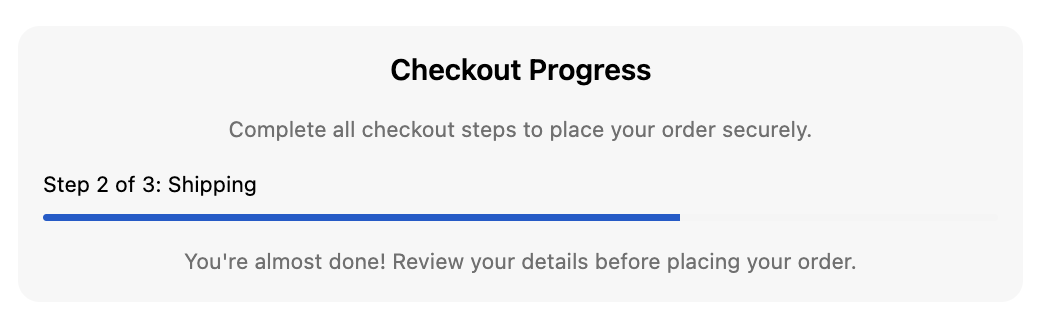
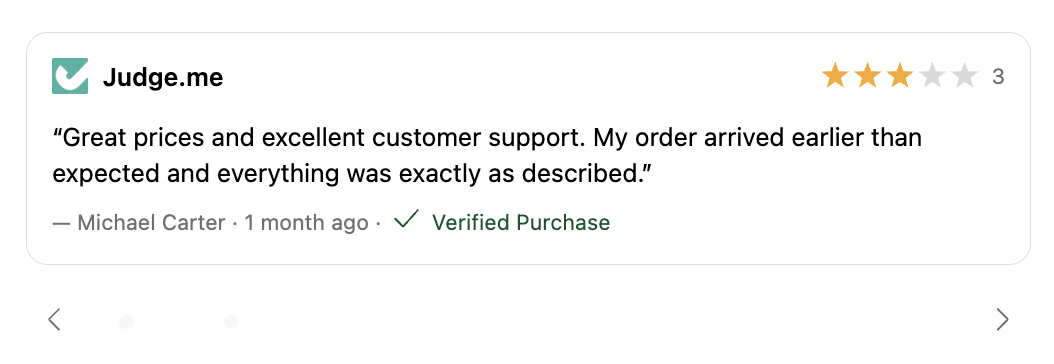
Not every checkout needs a custom build. For common checkout blocks such as trust badges, notices, upsells, custom fields and shipping progress bars, a no-code app is the faster route. We build one: Checkout Ninja’s no-code checkout blocks let your team add ready-made blocks to a Shopify Plus checkout without writing code. When an app covers it, we will say so. Custom extensions are for the rules and experiences an app cannot express.
The two we get asked for most
A countdown or reservation timer inside the checkout, built so it survives the step changes instead of restarting, and an opt-in shipping protection or warranty offer that adds margin to every order that takes it. Both are checkout UI extension work, and both have their own page.
Want the full background first?
For a plain-English explainer of how checkout extensibility works, every extension target and what each plan can do, read the Shopify checkout extensibility guide on Checkout Guy. For the Scripts side specifically, see what replaced Shopify Scripts and our Scripts to Functions migration service.
Start with an audit
Tell us what your checkout used to do, or what you want it to do next. We will map it to the supported stack and come back with a fixed scope, price and timeline. Talk to the team about your checkout.
What we build
Checkout UI extensions
Custom checkout blocks for content, upsells, trust signals and fields, placed at the exact checkout targets Shopify allows.
Shopify Functions
Discount, payment, delivery and validation logic that used to live in Scripts, rebuilt as fast, supported Functions.
Branding and styling
Fonts, colours, corners, header and layout tuned to your brand through the checkout editor and the Checkout Branding API.
Web pixels and tracking
The tracking that used to sit in Additional Scripts, moved into web pixels and checked against real orders.
Thank you and Order status pages
Post-purchase content, surveys, reorder prompts and support blocks on the pages customers read after they pay.
Migration audit and handover
A written inventory of every old customization, what replaced it, and documented code your team can own.
Blocks we ship
Drop-in checkout blocks, live on real stores — no code, no compliance headaches.
Questions, answered
What is Shopify checkout extensibility?
It is the set of tools Shopify supports for changing checkout now that checkout.liquid is gone. Checkout UI extensions add content and fields, Shopify Functions change the logic behind discounts, delivery, payment and validation, the Checkout Branding API and checkout editor control the look, and web pixels handle tracking. Payments extensions complete the set for payment providers.
Do I still need to migrate from checkout.liquid?
The deadlines have passed, so the question now is what you lost. checkout.liquid stopped working on the information, shipping and payment steps on August 13, 2024. Thank you and Order status pages were upgraded for Plus stores on August 28, 2025 and for every other plan on August 26, 2026, which also retired Additional Scripts. Stores that were not upgraded in time fell back to the default checkout, so any customization that was not rebuilt is simply missing.
What happened to Shopify Scripts?
Shopify stopped Scripts from being edited or published on April 15, 2026 and switched them off on June 30, 2026. Line item, shipping and payment Scripts are rebuilt as Discount, Delivery Customization and Payment Customization Functions. Our Scripts to Functions migration service covers that work in detail.
Do I need Shopify Plus to customize the checkout?
For the information, shipping and payment steps, yes. Checkout UI extensions there, checkout styling through the Branding API and custom apps with your own Functions are Plus features. Every other plan except Starter can still use the checkout editor, run Functions from public apps and extend the Thank you and Order status pages.
Is there a Shopify checkout API?
There is no single API that lets you rewrite the checkout. It is extended through several APIs, each with a job. The checkout UI extensions API for what customers see, the Shopify Functions APIs for logic, checkout branding types in the GraphQL Admin API for styling, and web pixels for events. A headless storefront still sends shoppers to Shopify's checkout, using the checkout URL on its Storefront API cart.
How long does a checkout extensibility project take?
It depends on how much there is to rebuild, which is why we start with an audit. A single checkout block is a small job. A full migration with several extensions, Functions and tracking takes longer. Either way you get a fixed scope and a timeline in writing before we start, and weekly demos in a development store while we build.
Can I add checkout blocks without a developer?
Often, yes. For common blocks like trust badges, notices, upsells, custom fields and progress bars, an app is quicker and cheaper than custom code. We build Checkout Ninja, a no-code checkout blocks app, and we will tell you when it covers what you need. Custom work is for the rules and experiences an app cannot express.
Will customizing checkout affect conversion tracking?
We keep your pixels, server-side events and analytics intact and test them after every change, so reporting stays accurate.
Further reading
- Shopify Plus pricing in 2026: what it costs and what you get Shopify Plus starts at $2,300 a month on a 3-year term. Full pricing, card and transaction fees, and when Plus pays for itself, checked September 2026.
- Shopify vs Shopify Plus: what actually changes when you upgrade Shopify vs Shopify Plus, compared on price, fees, checkout, Functions, stores and API limits, with figures checked on shopify.com in September 2026.
- Checkout UI extensions: what you can and can't add to Shopify checkout Shopify checkout is customizable again, through UI extensions rather than checkout.liquid. Here is what you can add to checkout, and where the limits are.
Related services
Scripts to Functions Migration
Rebuild the discount, shipping and payment logic your Shopify Scripts used to run, as supported Shopify Functions.
Learn moreCheckout UI Extensions
Custom checkout content, upsells and fields built as supported UI extensions on Shopify Plus.
Learn moreCheckout Branding
Fonts, colours, logo and layout tuned to your brand through the Checkout Branding API.
Learn moreShopify Functions Development
Custom back-end logic for discounts, payments, delivery and validation, built on Shopify Functions.
Learn morePost-Purchase Extensions
One-click upsells and custom content on the post-purchase and order status pages.
Learn moreShopify Plus Development
A Shopify Plus agency for bespoke builds, custom checkout, Functions and upgrades to Plus.
Learn moreReady to build a store worth talking about?
Tell us where your store is today and where you want it to go. We reply within two working days with a clear next step.